History and restore
Coffer keeps every version for 1 day, hourly versions for 1 week, and daily versions for 30 days. You can change the 30 days in settings.
- One file: run Show version history of the current file to see its versions, what changed in each, and to restore one.
- Deleted files: run Restore deleted files.
- The vault or a folder at an earlier time: run Restore the vault or a folder to an earlier time. Each time in the list is when a device synced. Coffer shows which files come back and which change before it does anything.
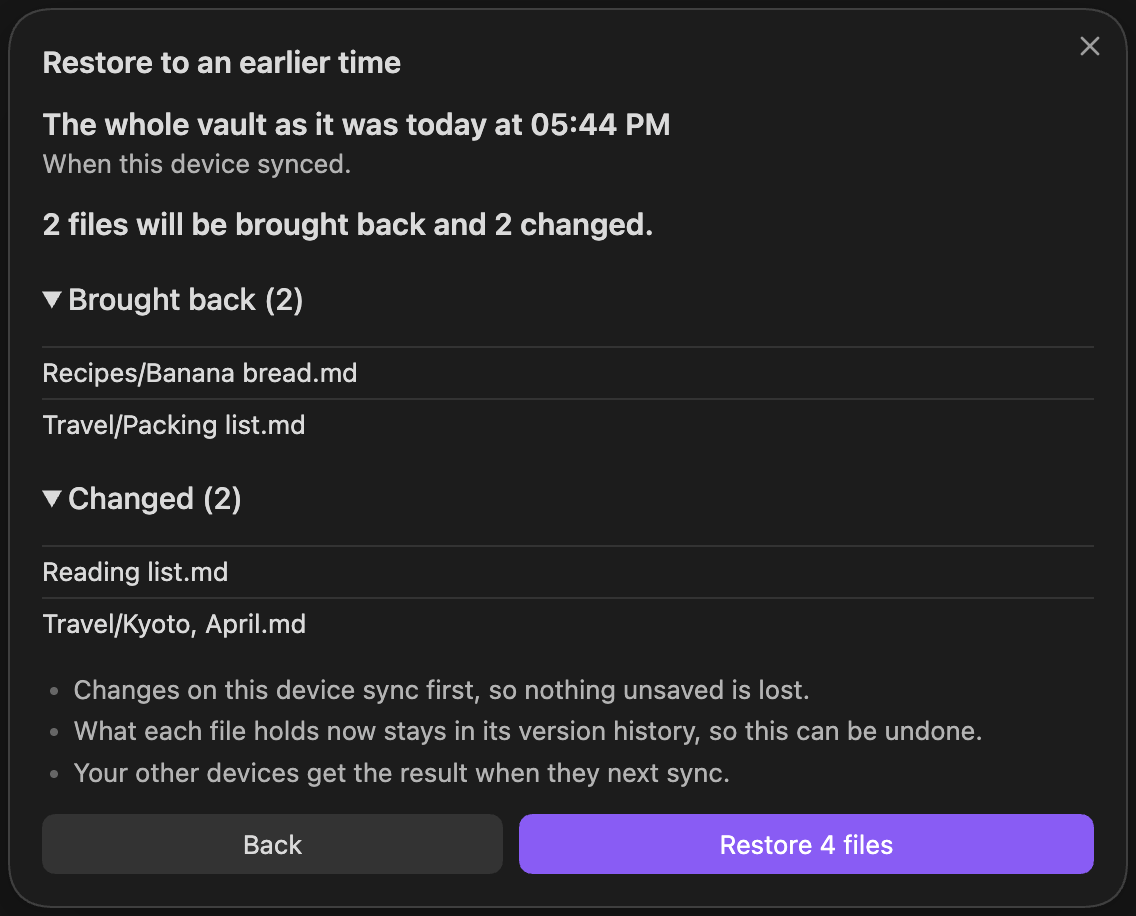
A restore does not lose what files hold now: that stays in their version history, so you can undo it. Your other devices get the result when they next sync.
Next: Shared folders.